
eSIM Compatible Devices
A comprehensive reference for travelers checking whether their smartphone, tablet, or laptop supports eSIM technology.
A comprehensive reference for travelers checking whether their smartphone, tablet, or laptop supports eSIM technology.
Important Note
eSIM availability can vary by region, carrier, and device variant. Even if your model is listed here, your specific regional variant may have eSIM disabled. Always verify with your device manufacturer or carrier. This guide is for informational purposes only.
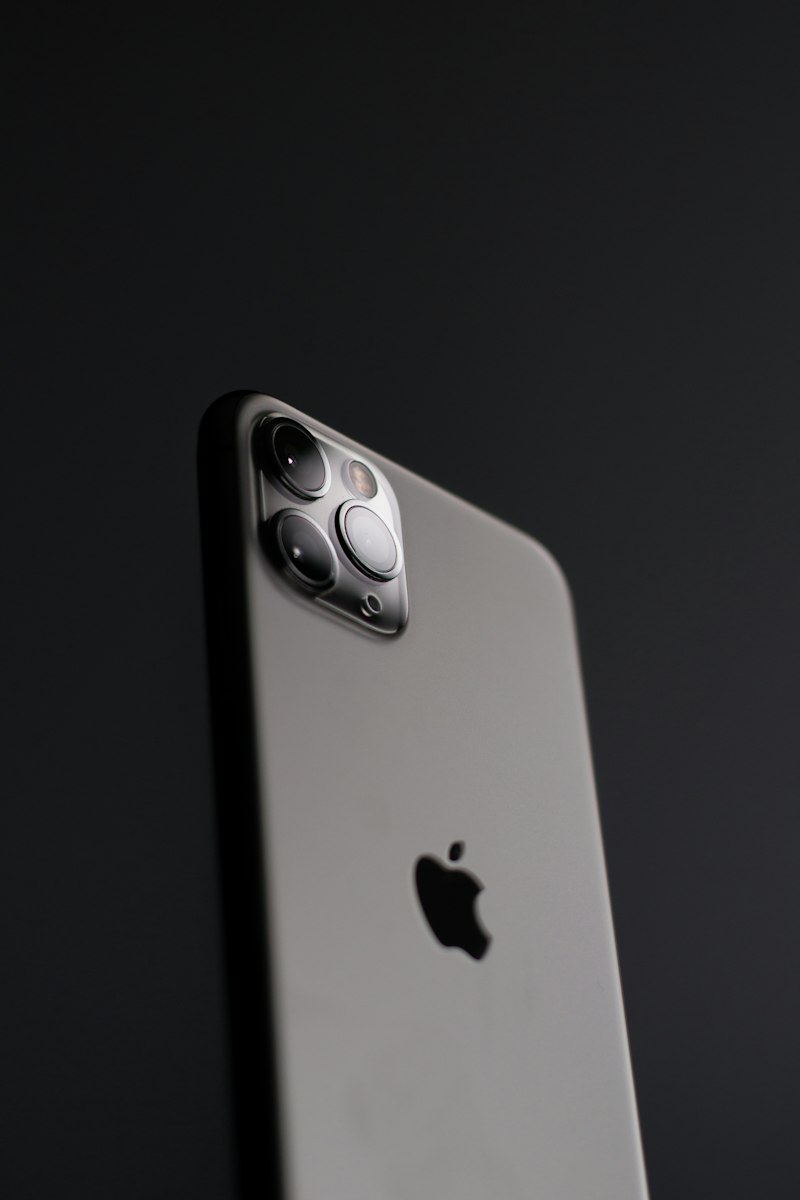
Apple was among the first manufacturers to introduce eSIM in consumer smartphones. iPhone models from the XS (2018) onwards support eSIM, with newer models offering dual eSIM and, in the US market, eSIM-only configurations.
| Model | Year | eSIM Support | Dual SIM | Notes |
|---|---|---|---|---|
| iPhone 16 series | 2024 | Yes | Dual eSIM | US: eSIM only |
| iPhone 15 series | 2023 | Yes | Dual eSIM | US: eSIM only |
| iPhone 14 series | 2022 | Yes | Dual eSIM | US: eSIM only |
| iPhone 13 series | 2021 | Yes | Nano + eSIM | — |
| iPhone 12 series | 2020 | Yes | Nano + eSIM | — |
| iPhone 11 series | 2019 | Yes | Nano + eSIM | — |
| iPhone XS / XS Max / XR | 2018 | Yes | Nano + eSIM | First eSIM iPhones |
| iPhone X and older | 2017– | No | — | Physical SIM only |
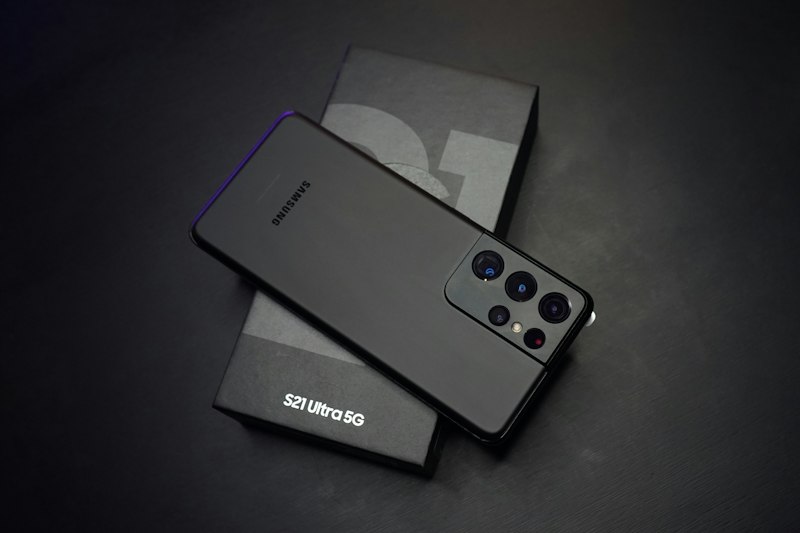
Samsung introduced eSIM support in its Galaxy S series starting with the S20. The feature has since expanded to Z Fold and Z Flip foldable devices, as well as select A-series models. Note that some regional variants of Samsung phones have eSIM disabled.
| Model | eSIM Support | Notes |
|---|---|---|
| Galaxy S24 / S24+ / S24 Ultra | Yes | Check regional variant |
| Galaxy S23 series | Yes | Check regional variant |
| Galaxy Z Fold 5 / Z Flip 5 | Yes | Dual SIM + eSIM |
| Galaxy S22 series | Yes | Check regional variant |
| Galaxy S21 series | Yes | Some variants only |
| Galaxy S20 series | Yes | First S-series with eSIM |
| Galaxy A54 / A55 | Select | Region dependent |
Google has been a strong proponent of eSIM technology, introducing it in the Pixel 2 (2017) and expanding support across all subsequent Pixel models. Pixel phones running Android 12+ offer particularly smooth eSIM management through the Settings app.
| Model | eSIM Support | Notes |
|---|---|---|
| Pixel 9 series | Yes | Dual SIM support |
| Pixel 8 / 8 Pro / 8a | Yes | Dual SIM support |
| Pixel 7 series | Yes | — |
| Pixel 6 series | Yes | — |
| Pixel 3 / 4 / 5 | Yes | — |
Xiaomi introduced eSIM support in select flagship models. The Mi Mix 3 5G (2019) was among the first. More recent models including the Xiaomi 13 and 14 series support eSIM in select markets.
Motorola's Razr foldable series and select Edge+ models support eSIM. The Razr 2019 was notable as one of the first foldables with eSIM. Check individual model specifications carefully.
iPad Pro (2018 onwards), iPad Air (3rd gen onwards), iPad mini (5th gen onwards), and iPad (7th gen onwards) all support eSIM. Cellular models only — Wi-Fi only iPads do not have eSIM.
Select Surface Pro and Surface Go models with LTE support eSIM. Some Dell, HP, and Lenovo ThinkPad models with integrated LTE also support eSIM. Check your device's specifications under "Connectivity."
Go to Settings → General → About. Scroll down to look for "EID" — if you see an EID number, your iPhone supports eSIM. Alternatively, go to Settings → Cellular — if you see "Add Cellular Plan," eSIM is supported.
Go to Settings → About Phone → SIM Status or IMEI information. Look for an "EID" field. You can also check Settings → Network & Internet → SIMs — if there's an option to add an eSIM, your device supports it.